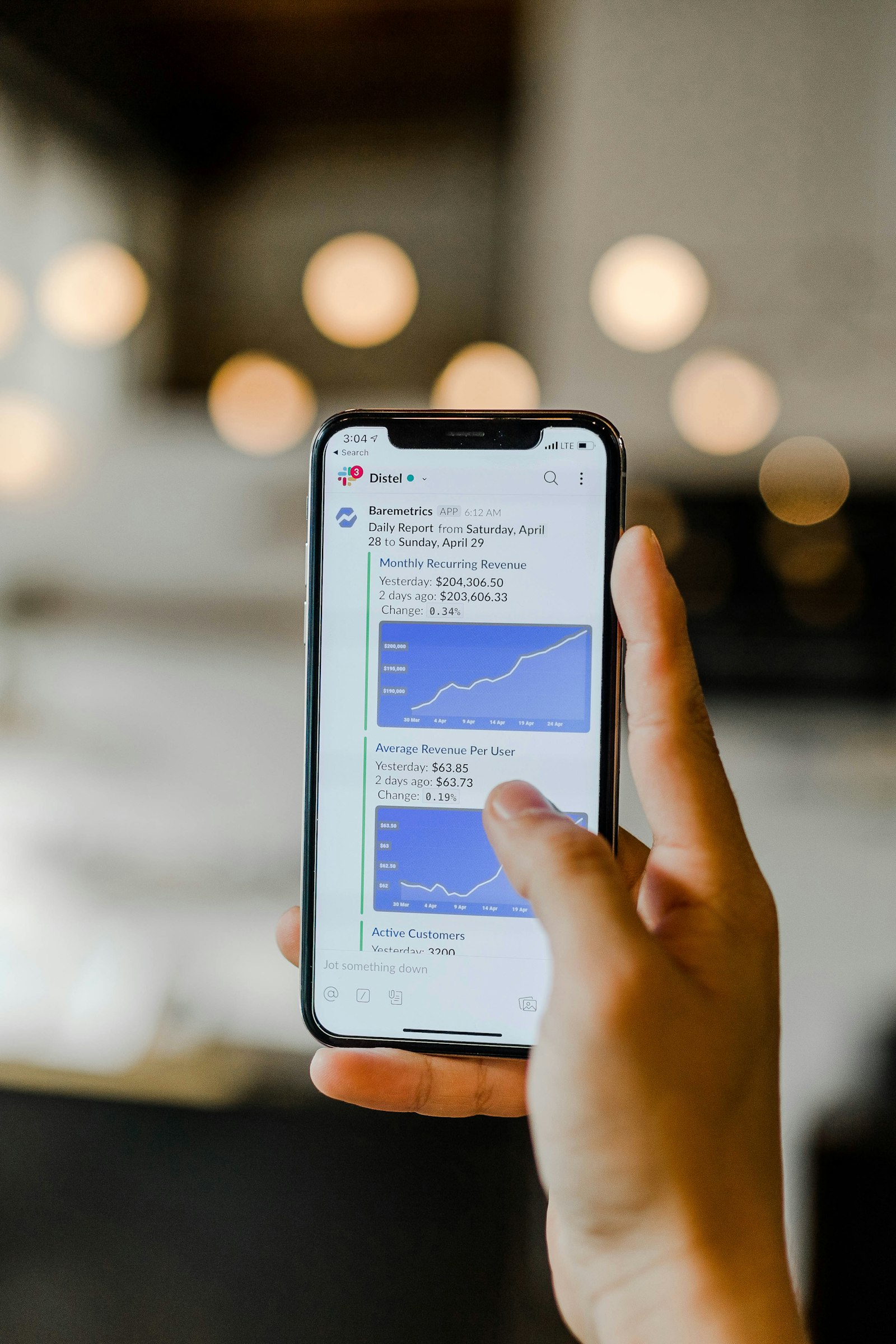
When a user touches the iPhone screen, the event does not go directly to the application. Instead, it passes through multiple layers of the system, each protected by an event boundary.
Input delivery is the entire process from physical hardware signals to logical events delivered to the correct app and view. Apps are receivers, not controllers, of input.
Hardware and kernel – the first boundary
Touch input starts at the digitizer, is processed by hardware, and enters the kernel. At this boundary, applications have no access and all input is treated as untrusted.
System services and event routing
After the kernel, input is routed through system services such as SpringBoard. These services decide which app is allowed to receive events.
UIKit, responder chain, and gestures
Within the app, UIKit processes events through the responder chain and gesture recognizers, resolving conflicts and determining which view receives the touch.
Why strict input control matters
Allowing apps to freely access system-wide input would compromise security and user trust. iOS enforces strict boundaries to protect both.
Value for developers
Understanding event boundaries helps developers design better gestures, avoid UIKit conflicts, and debug UI issues more effectively.